Effective Tech in the Connected Classroom

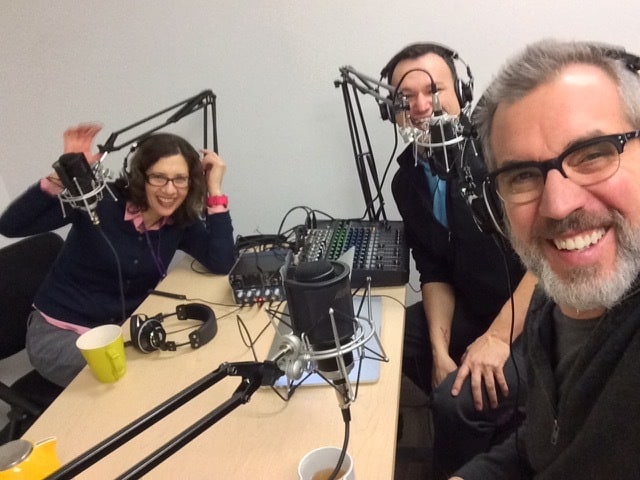
up-tech-talkI recently was a guest on the UP Tech Talk Podcast produced by University of Portland’s Academic Technology Services and hosted by Maria Erb (Instructional Designer) and Sam Williams (Dir of Academic Tech Services). Kudos for the great ATS podcast studio!

What’s the least amount of technology you could use to get the job done.

We had a lively 18 minute discussion about my UP social studies methods class and technology’s role in instructional design – it opened like this …

Maria: Peter, so glad to have you on the podcast. We just had a great conversation … you managed to rattle off probably half a dozen Web 2.0 tools that you’re using just like you were a fish swimming in water; it just seems so easy and natural for you. I’m just wondering, how do you go about choosing which tools you’re going to use for these great projects that you’re working on? What piques your interest?

Peter: I think it really begins with seeing yourself as a designer of a learning experience. You work with the tools you have and with the setting you have. You’ve got X number of students; you’re meeting once a week; you’ve got three hours with them. You think about the instructional goals that you want to achieve, and then from there, you say, okay, so what kind of tools are out there. For example, there was a situation where I wanted them to collaborate and design some lessons. I wanted them to be able to share their work with one another and be able to comment on it. I also think it’s important that there always be a public product, because I think we find our students producing content for their instructor as opposed to … which is kind of a ritualized thing as opposed to real-world content.

And ended with this exchange …

Sam: Are there any words of wisdom around it’s not about the technology that you could leave us at the end of this podcast?

Peter: I would say the big question is what’s the least amount of technology you could use to get the job done. Taking something and making it prettier by putting it on a white board when you could have written it up on the chalk board really doesn’t get you anywhere. I think that the transformative part of technology is getting it in the hands of the students so that they can research and create and produce in ways you couldn’t do without it. For me, those are the essential elements that I’m looking at, not simply just something that’s a bright shiny object.

Text transcript (word file) | Show notes and links | Podcast at iTunes: #12

The University of Portland uses the SmartEval system to gather student feedback on courses and faculty. Here’s a few comments from my UP students that are relevant to this podcast:

  • Peter challenged us to think and be designers of curriculum, instead of just lecturers. We learned how to get students working and thinking critically in the classroom.
  • I liked that the focus of the class was on making a product.
  • He also showed us how to move from the lecture mode to engaging students as architects in their own learning process.
  • Very well connected with other educators on Twitter. He has promoted every student in the class using his connections to help us build professional connections and build a professional online presence.

Originally posted at Copy / Paste Jan 21, 2015
Class 14: Proofing Our DBQs

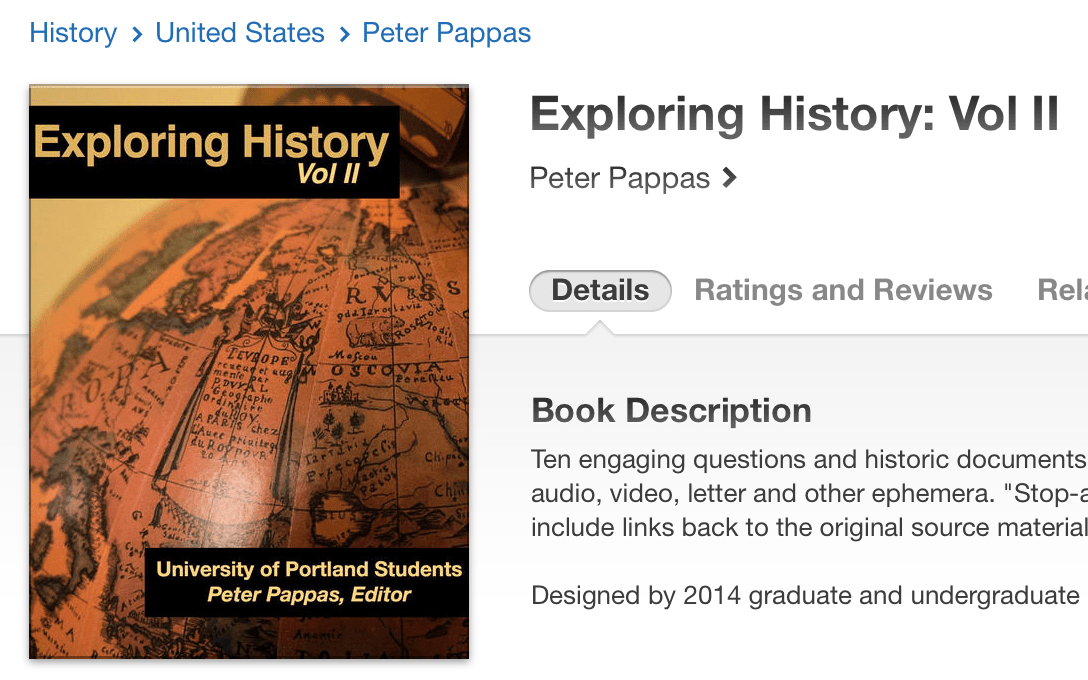
Exploring history-2
This is the final activity in our DBQ design project. It began with exploring historic thinking skills and ends with students designing their own DBQs for inclusion in a class published iBook.

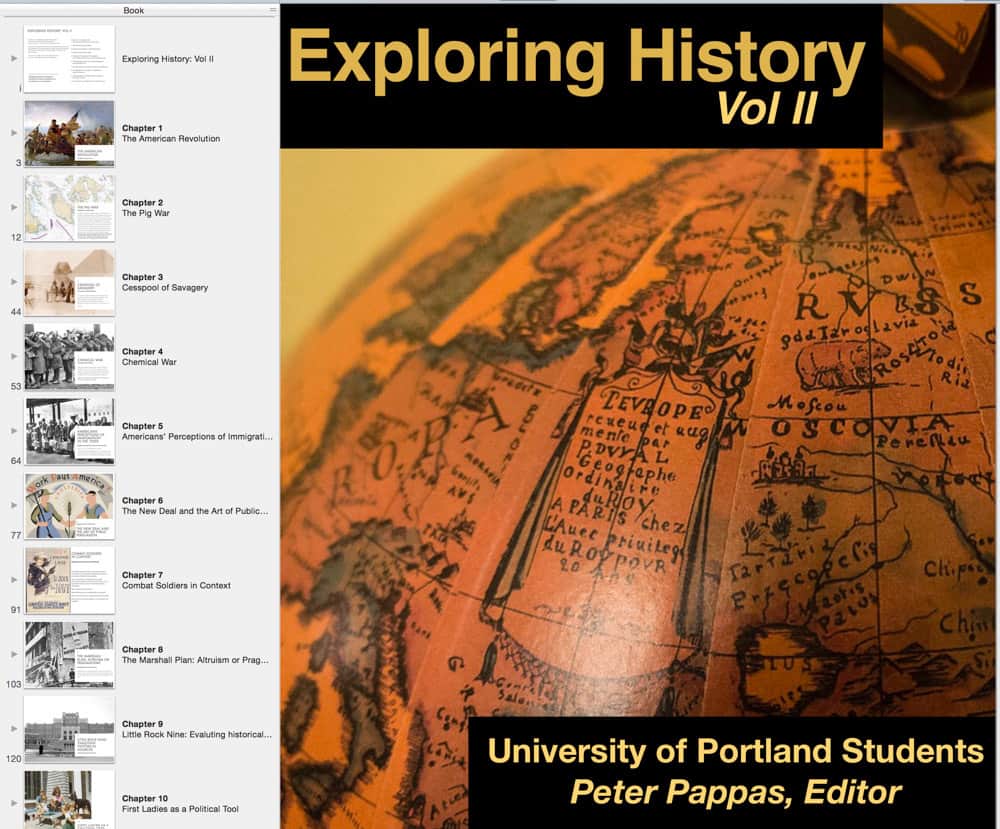
During the last few classes we have had 45 min sessions in the Mac lab (only a few students have their own Macs with iBooks Author). Students have arrived with their prewritten text, source material, images and YouTube video links. They used a total of about 2 hours of lab time to complete rough drafts their chapters. They shared their chapter files with me and following class, I compiled their chapters into a single iBook. Link to a PDF version 27MB pdf.

I’ve arranged to have the iBooks draft file loaded on to iPads for the students to use. In Class 14 we will proof and peer review our chapters and take one last trip to the Mac lab to use iBooks Author to do a final version. After the final edits, I’ll upload to iTunes. Net result – a student publication in just a few hours of lab time (with all research and writing done in advance)

Update Exploring History: Vol II is now available free at iTunes

Exploring historyii

Class 13: Working with iBooks Author

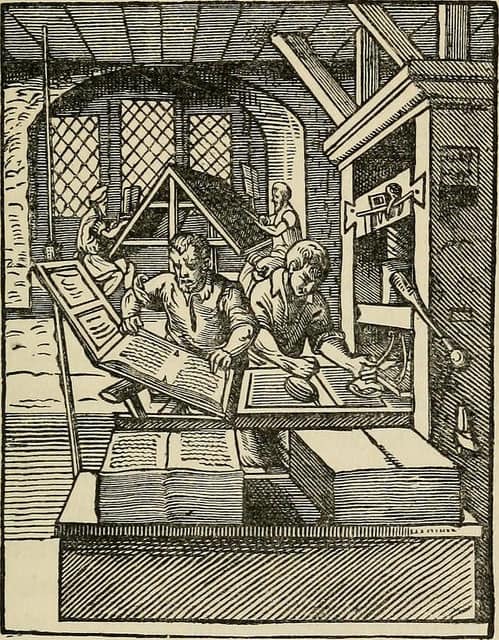
History of the Bassandyne BibleThis week we will wrap up our first drafts of our DBQs for inclusion into our collaborative iBook. During the first 2/3s of class students will finalize their content and be sure to have their DBQ reflection written. Then in the last 1/3 of class we will transfer content to iBooks.

Technical aspects
The iBooks will be designed using iBooks Author in the Mac lab. Students will bring digital versions of their DBQs to the lab – including all image and sound files, text files, citations and URLs. Here’s a quick guide to managing your files to get ready for iBooks Author: Get Started with IBA

I’ve created a YouTube channel with some short tutorials that students may wish to refer to. See iBooks Author Tips


Image credit: Image from page 94 of “History of the Bassandyne Bible, the first printed in Scotland with notices of the early printers of Edinburgh” (1887) William T Dobson,

Class 12: Role Playing Competing Visions of Human Rights

human rights day  Catching.LightStudents introduced to the Choices Program. The program’s curriculum units draw upon multiple primary source documents and culminate in a rigorous student-centered role-playing activity. Students will take part in a Choices lesson entitled Human Rights: Competing Visions of Human Rights – Questions for U.S. Policy. Working cooperatively, students will examine the evolving role that human rights has played in international politics and explore the current debate on U.S. human rights policy.

The goal of this class is to experience the role-play as teaching method. Students will be introduced to (and receive) a hands-on curriculum that uses primary sources, case studies, videos, and role-play simulations to engage students in an exploration of the concept of human rights and the challenges of international enforcement. The curriculum also introduces students to various human rights actors, and examines the current debate on U.S. human rights policy. Emphasis is placed on helping students develop the skills and habits needed for active citizenship.

The lesson was delivered by guest teacher – Tim Graham. Tim is currently a teacher at Cleveland High School in Portland, OR. He has taught social studies for 11 years in the Portland Public Schools district, working at Roosevelt, Benson, and Franklin high schools in addition to his current placement at Cleveland. He has attended teaching seminars with the Gilder Lehrman Institute of American History, National Endowment for the Humanities, and Watson Institute for International Studies at Brown University. He is currently a Choices Teaching Fellow. Tim maintains two class blogs – Modern World History and IB HOTA.

Assignment due Nov 23

Write a reflection on your experience with the DBQ design assignment.

  1. It should be posted on this blog by Sunday 11/23.
  2. Include an image to make it pretty.
  3. Note that you are not posting your DBQ, but what you learned from your work on it.

What did you learn from the experience of trying to design a DBQ?
Here’s some prompts you might consider (but you don’t have to answer them all):

  • what was your goal? was it achieved why or why not?
  • how it might be used in class?
  • value (or lack of value) as a learning experience.
  • challenges, successes, lessons learned.
  • how you’d approach it differently the next time.
  • ways to improve or replace the assignment.

Image credit: Flickr / “human rights day”  by Catching.Light